How to Block or Limit Roblox
A Step-by-Step Guide
Introduction
🎮 Unmoderated chat with strangers
🛡️ Inappropriate "adult" games hidden in the platform
💸 Uncontrolled spending on Robux (virtual currency)
⏱️ Addictive gameplay leading to excessive screen time
Step 1: Access the Restrictions Section
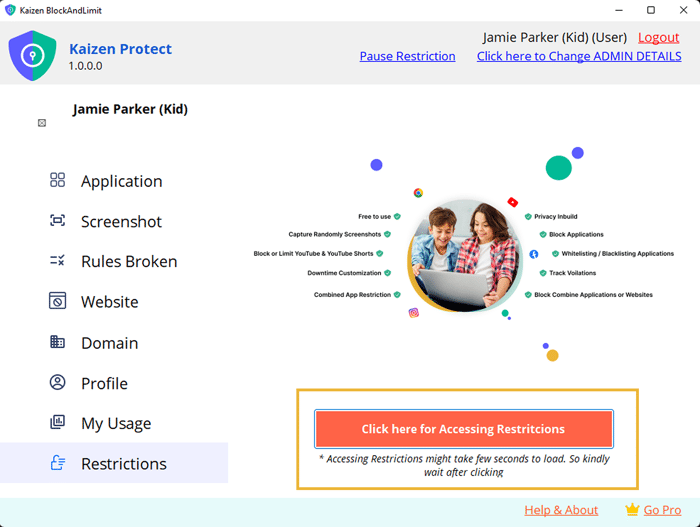
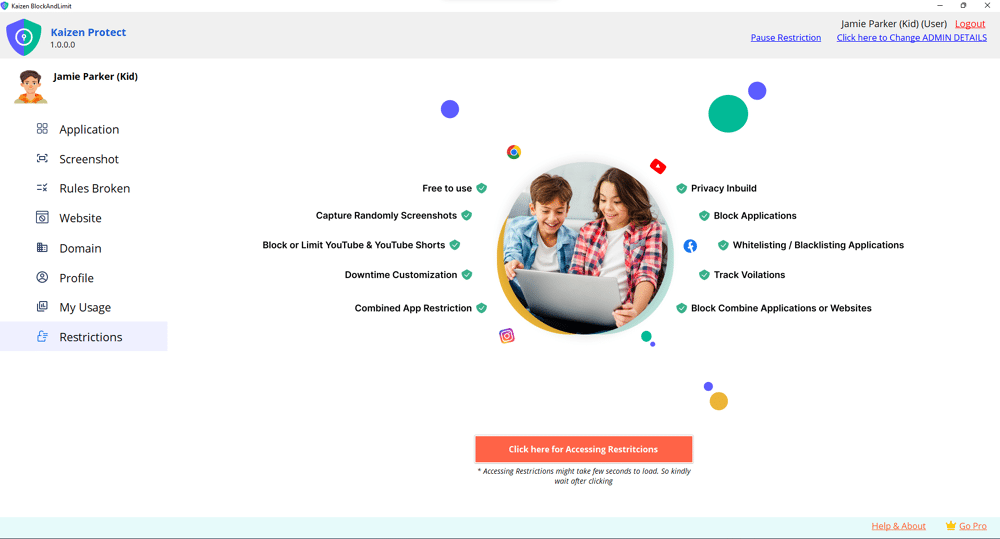
1. Open the Kaizen Protect & access the Restriction Section.
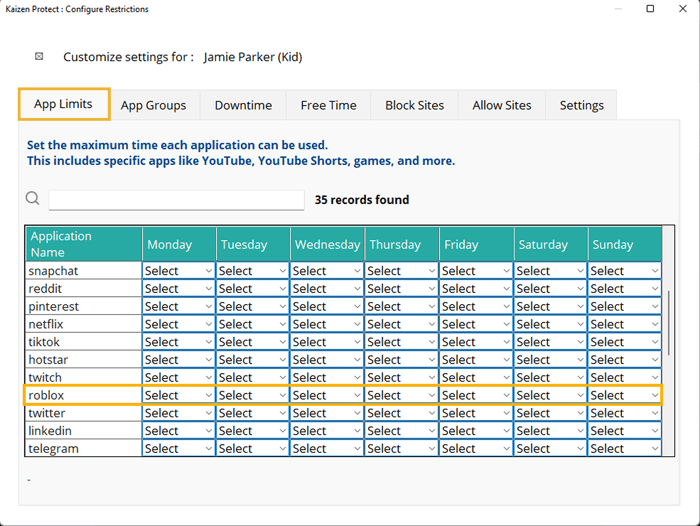
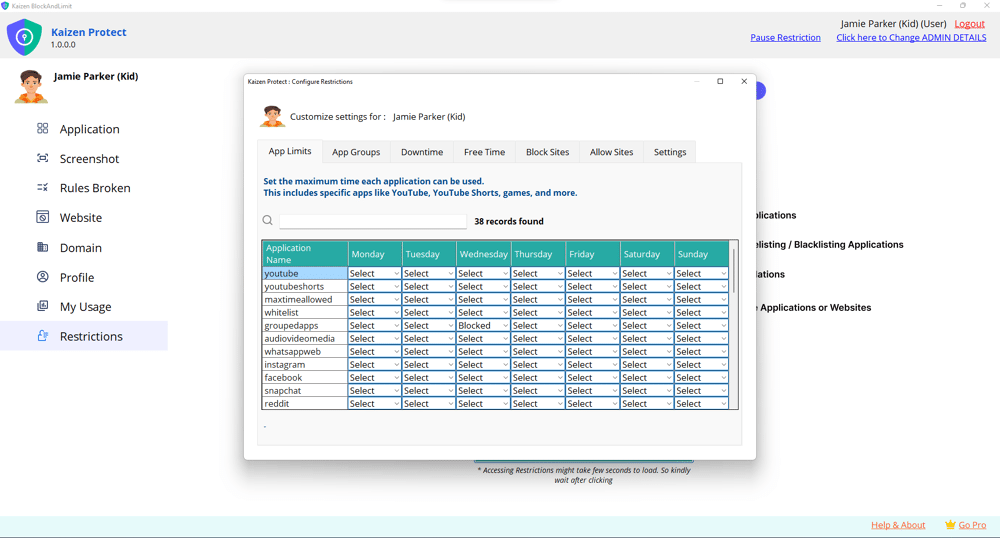
2. Click on "App Limits" from the menu options.
3. Scroll down to find "Roblox" in the application list.
2. Click on "App Limits" from the menu options.
3. Scroll down to find "Roblox" in the application list.
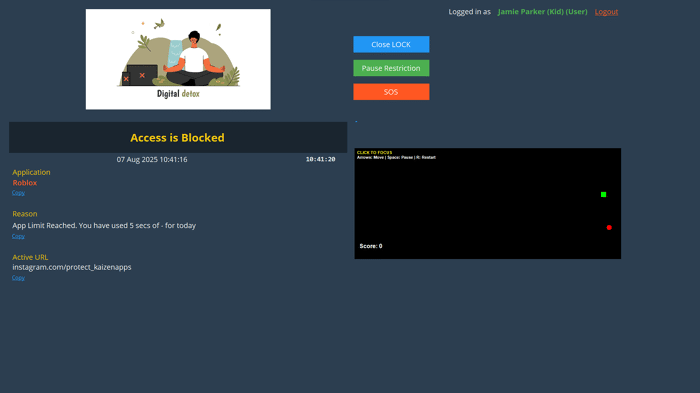
Step 2: Set Daily Restrictions
2. Click "Select" under the day(s) you want to block.
3. Choose one of the following options:
Instead of "Blocked," select "Time Limit"
Set a reasonable daily cap (30-60 minutes recommended)
4. Repeat for each day you want the restriction to apply.
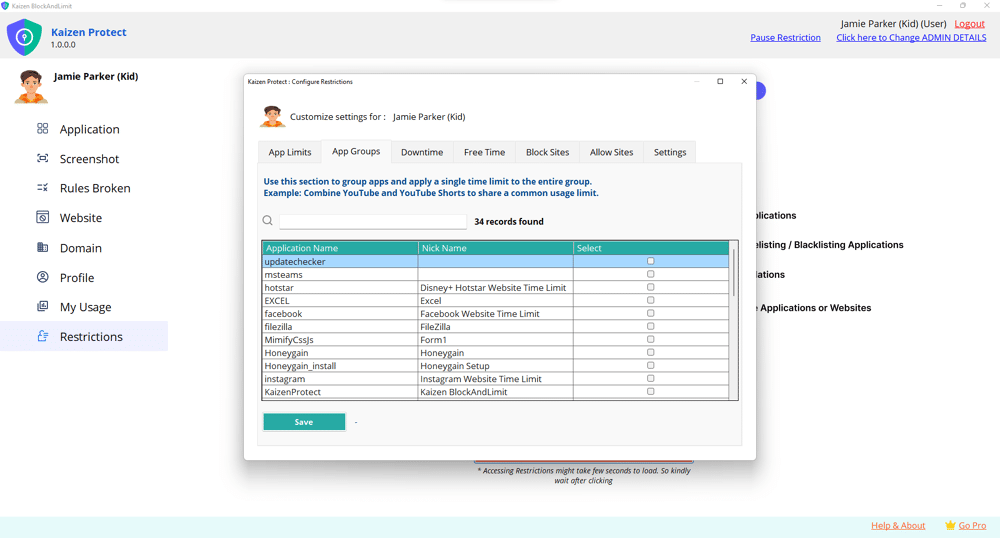
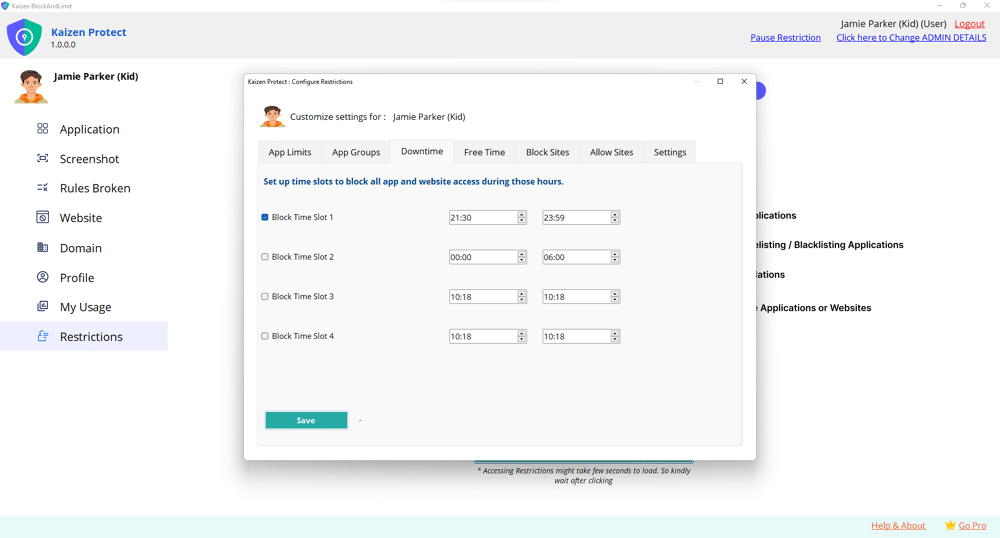
See What Kaizen Protect Looks Like
Preview our interface and features in action—clean, intuitive, and easy to use.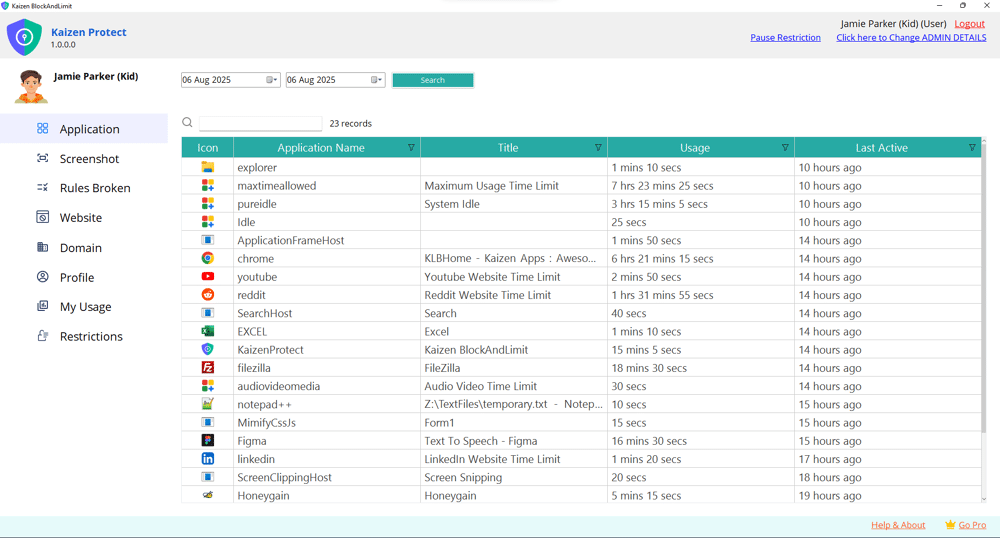
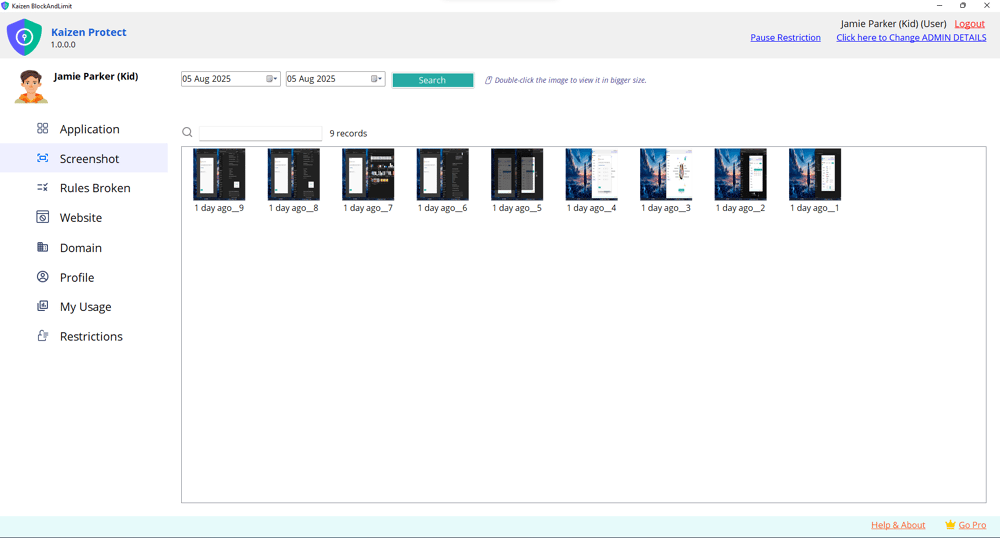
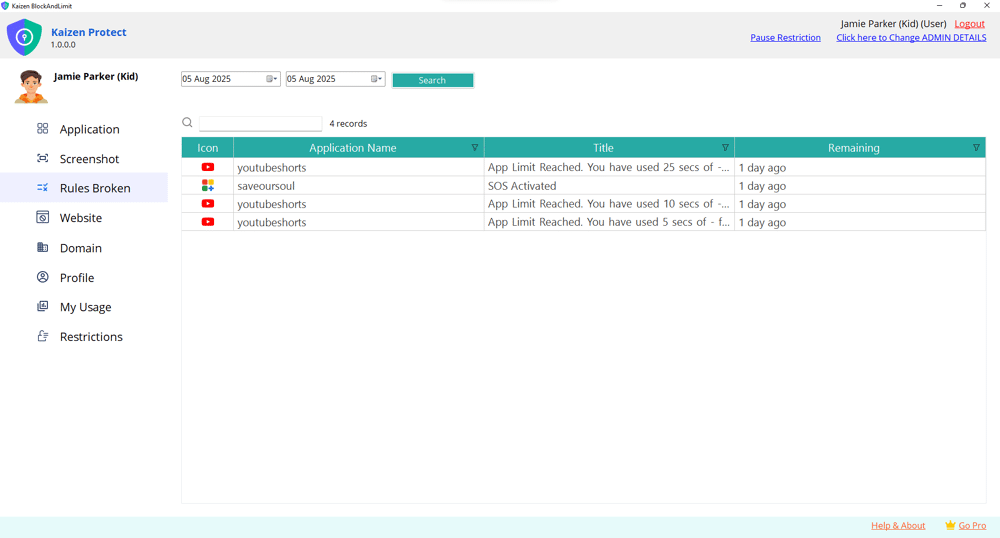
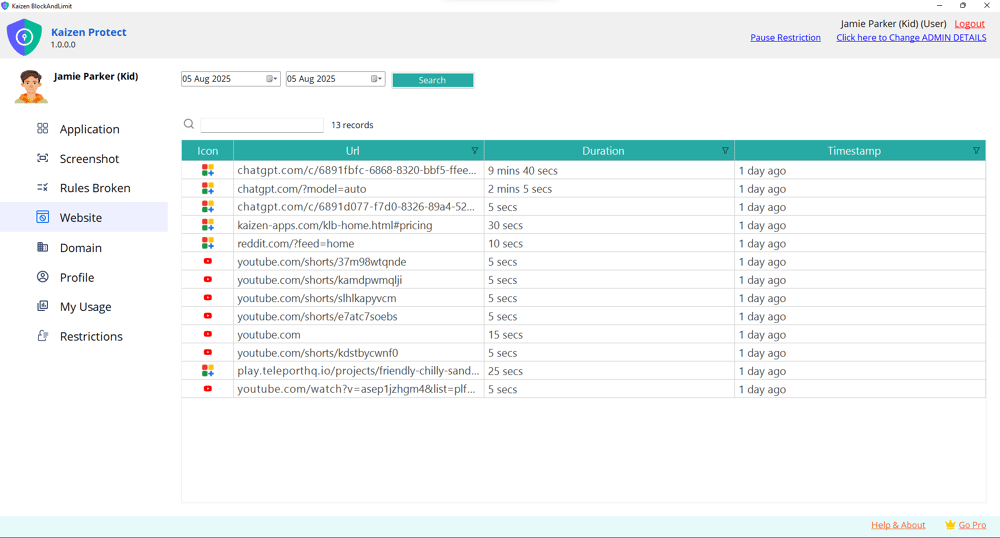
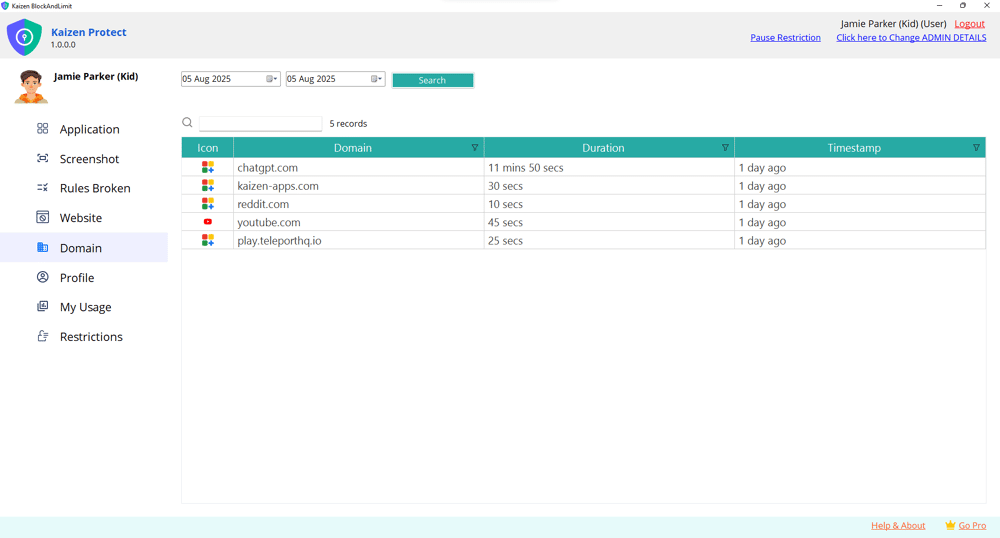
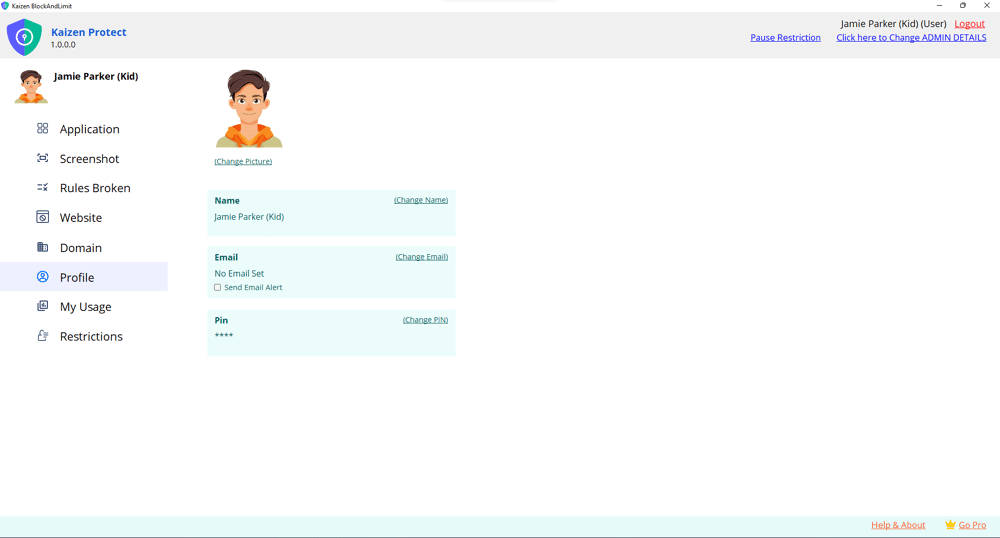
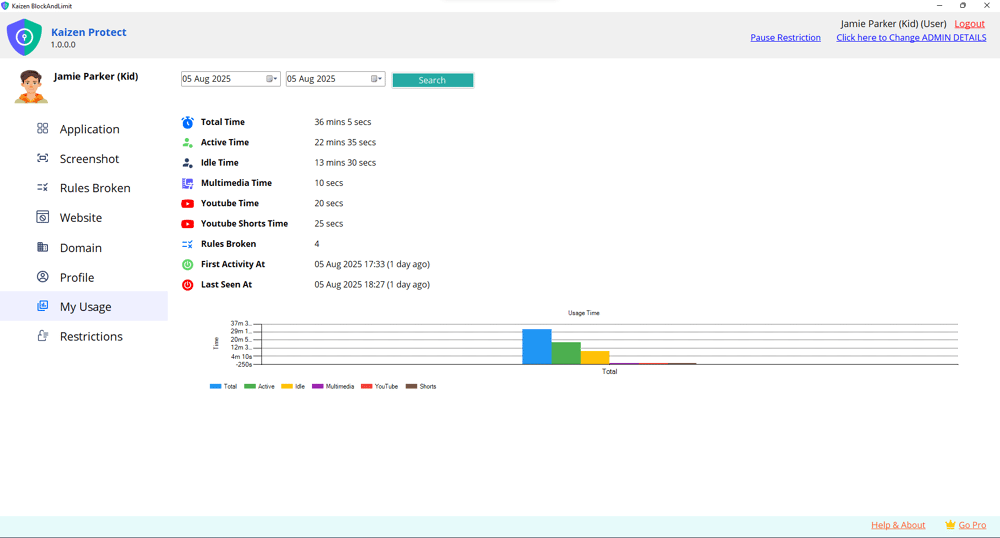
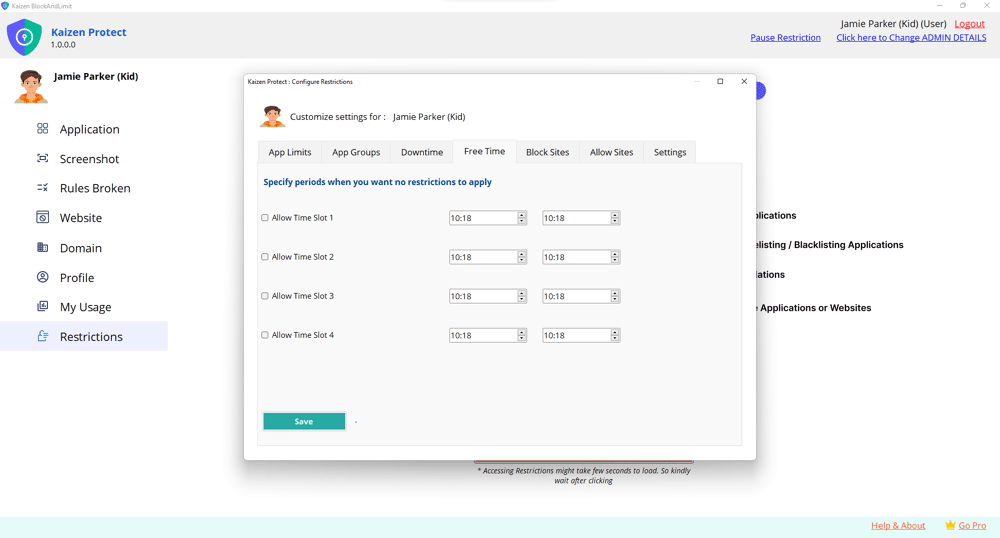
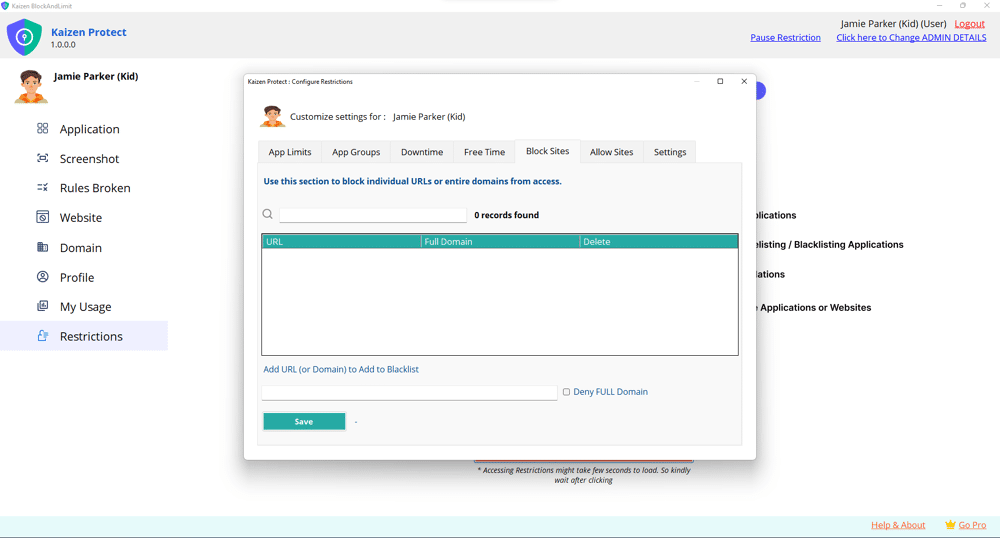
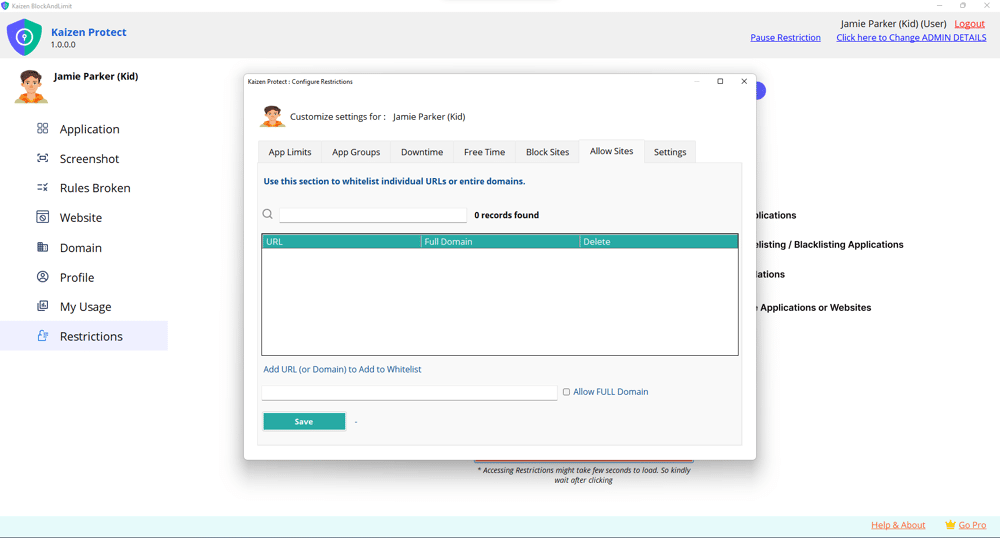
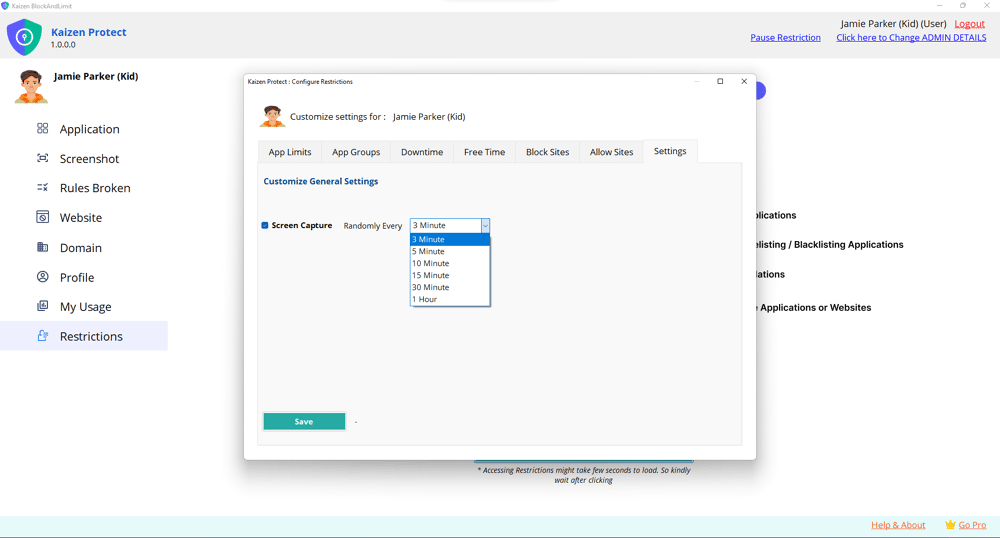
It’s not just about restrictions—it’s about guiding your child to make better digital choices.
Try It For Free
Try It For Free